Language
Recipool
Recipool can import recipes directly from Facebook. You start the import via the share sheet.
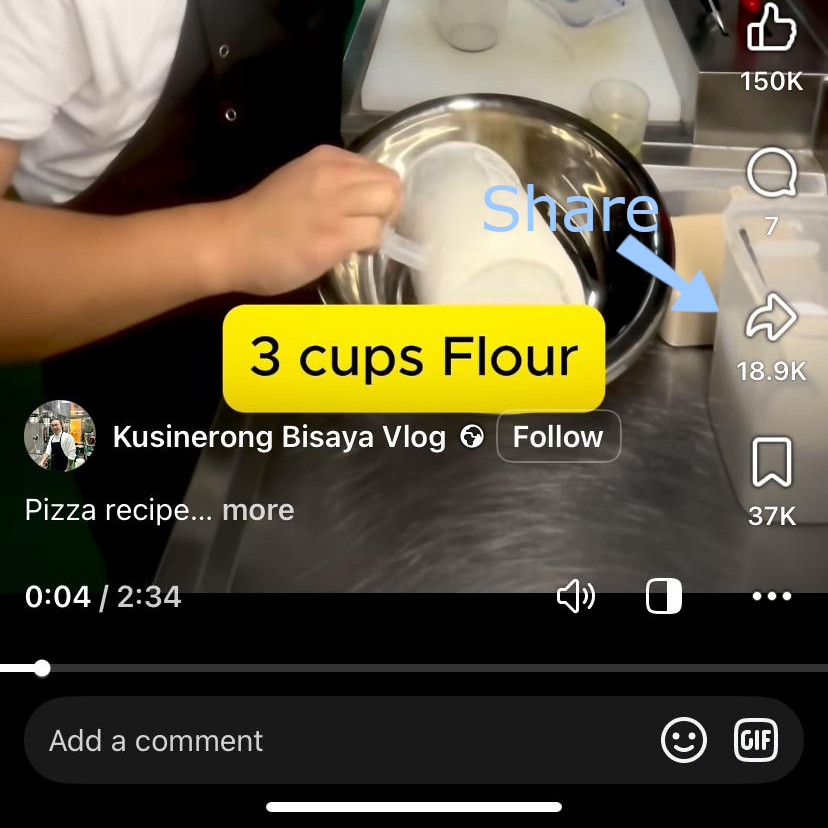
Tap More or Share to (depending on the app version).

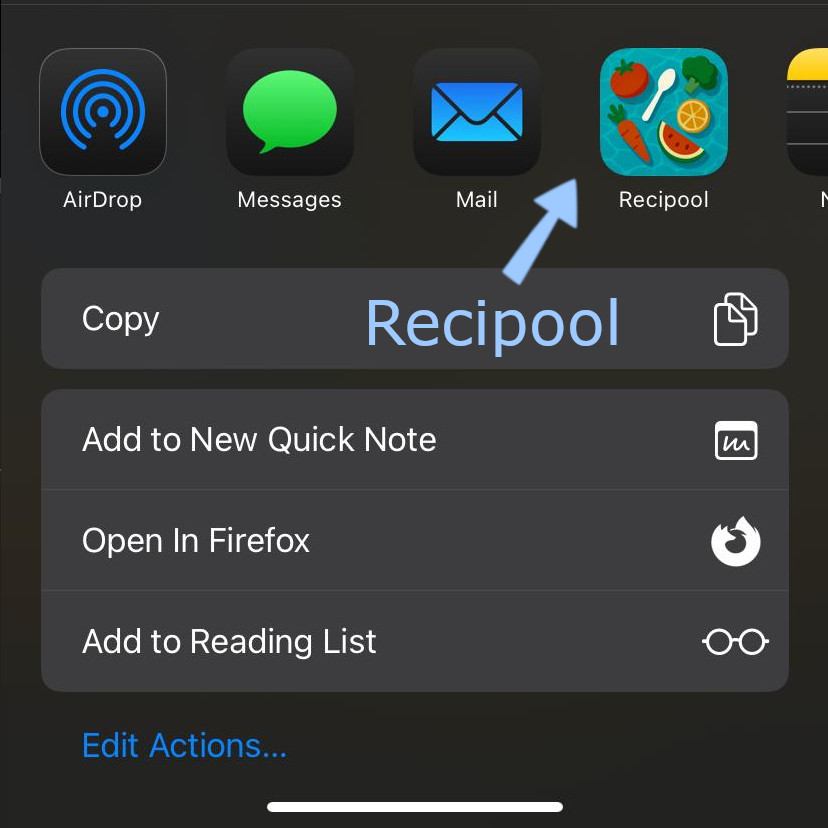
Select Recipool from the app list.
If Recipool does not appear here, add it to your iOS Share Favorites: iOS: Add Recipool to Share Favorites.
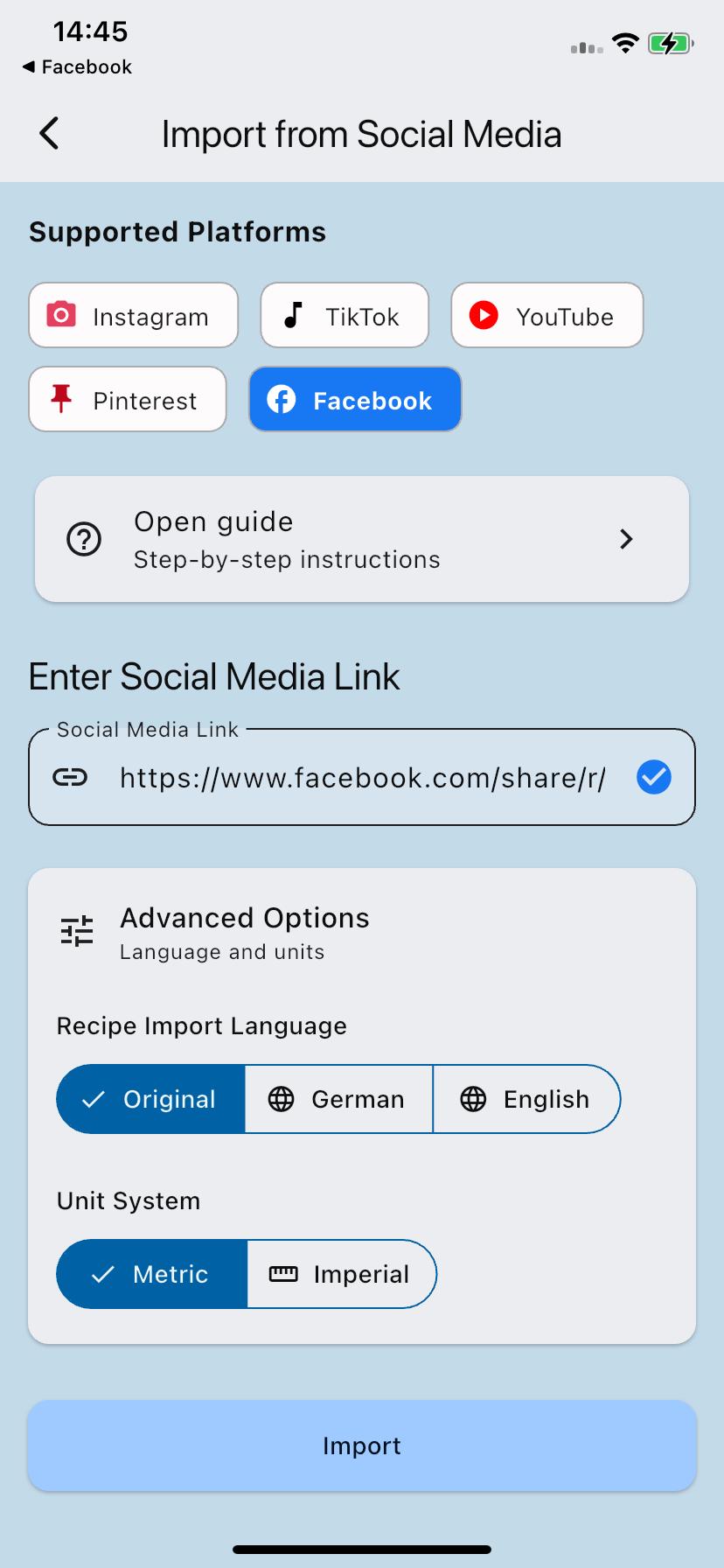
Review the import settings (for example language and units), then tap Import to start the import.